ARRHIATHE MARKET, CONNECTED.Back to the market
TAKE YOUR MARKET WITH YOU

Your market.
One tap away.

Favourite shops. Fresh discoveries. Food spots, services and property. Keep ARRHIA close, wherever the day takes you.

Discover businessesShare a shopExplore nearby
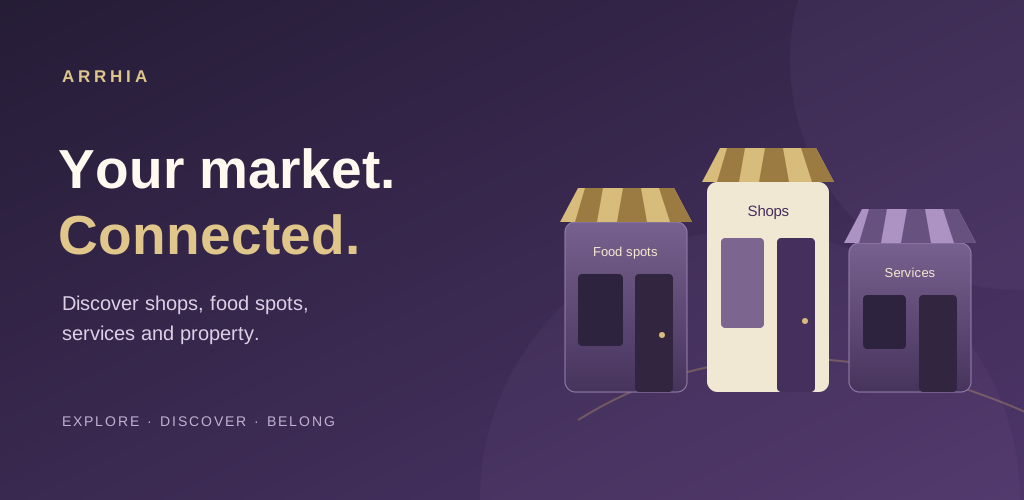
An illustrated market with shops, food spots and services
ANDROID APPDirect from ARRHIA

Step into your market.

Our Android app brings the live marketplace together with native sharing, photo uploads and location permission controls.

Version
1.0.0
Android
8.0+
Size
0.14 MB
Download for Android

Android APK · Website release · Internet required

How to install

This version supports email/phone and password sign-in. Native push notifications and social sign-in are not included yet.

WEB APPiPhone · Android · Desktop

Same market.
More ways in.

Prefer to stay in your browser? The ARRHIA web app remains available. Explore now or add it to your Home Screen.

  • No APK needed
  • Use your existing ARRHIA account
  • Keep the PWA and Android app together
Open the marketplace iPhone Home Screen instructions
A FEW SIMPLE STEPS

From download
to discovery.

Download only from ARRHIA’s HTTPS website. Keep your device’s security protections enabled.

  1. Download the APKOn your Android phone, tap Download for Android above. Open the completed download from your browser or Files app.
  2. Review Android’s installation promptIf asked, allow installation from the browser or file manager you used. Follow the on-screen prompts; do not turn off Play Protect. You can turn off that source’s installation permission afterward.
  3. Open ARRHIA and sign inTap Install, then Open. Sign in using your existing email/phone and password. Your app session is separate from the browser and PWA.
FOR IPHONE & IPAD

Your Home Screen is ready.

Open ARRHIA in Safari. Open the page menu and choose Share → Add to Home Screen. Leave Open as Web App enabled if shown, then tap Add.

The APK above is for Android. An App Store release is not available yet.

HELP & UPDATES

Keep exploring.

Can I keep my existing PWA?

Yes. You can use the PWA and Android app with the same ARRHIA account. You may need to sign in separately in each.

How do I update the Android app?

Return to this page when a new version is announced. Download and install the new APK over your current release. Earlier ARRHIA Preview builds use a separate app package and can remain installed during testing.

Where can I get support?

Visit the Support Center. You can also read our Privacy Statement or request account deletion.

Release information & file verification

Version 1.0.0 · Version code 1 · Released 2026-10-29

Package: com.arrhia.marketplace